Skip to content

Social posting

Every article becomes
Instagram and Facebook posts.

Calendone turns each article into ready-to-post Instagram carousels and images, plus Facebook posts with a clickable link, with the captions written in your voice. Approve them with one click, or let them go out on their own, on the days and times you choose.

Posts to Instagram Facebook

Save your website and check its pages. No website changes at this step.

calendone.io

✓ Approved
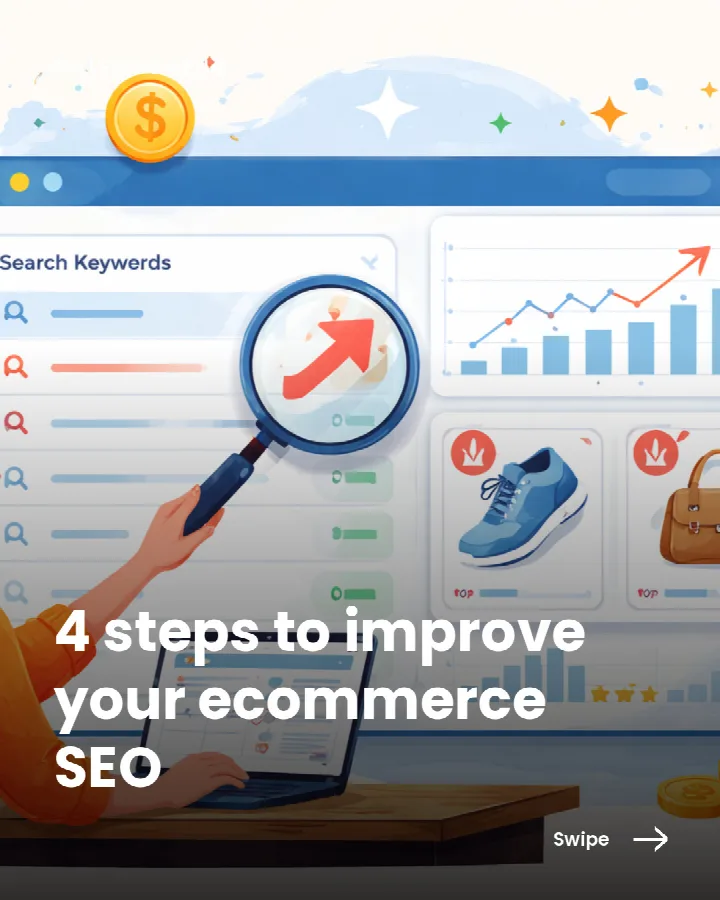
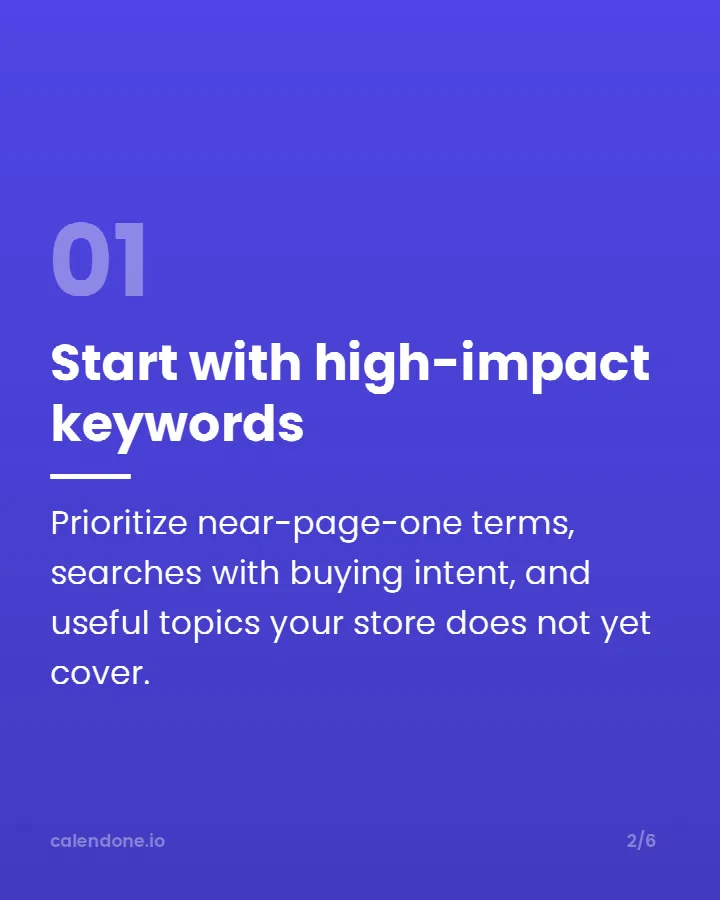
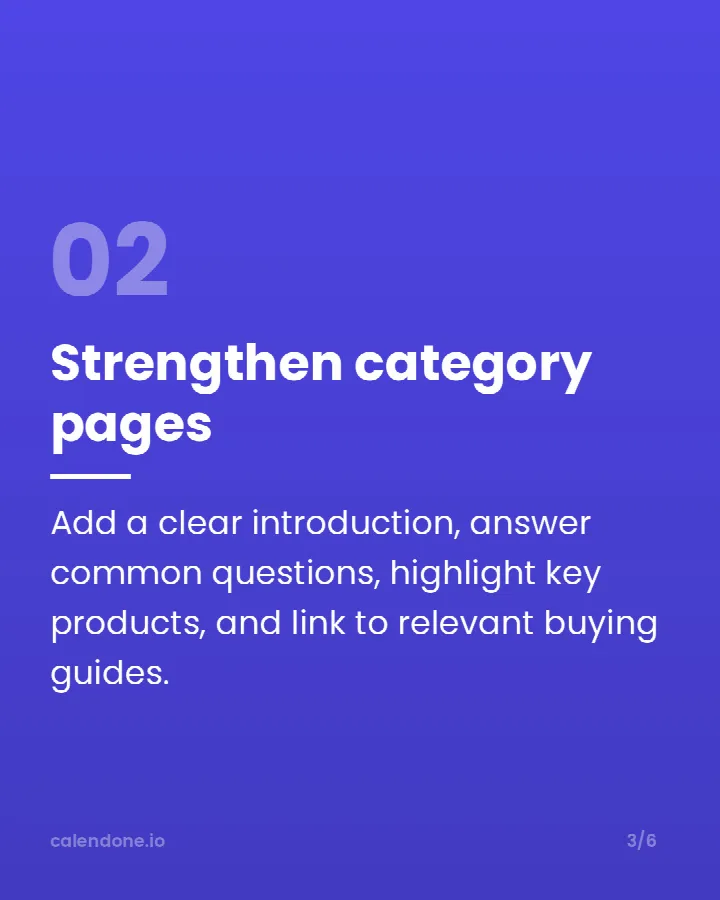
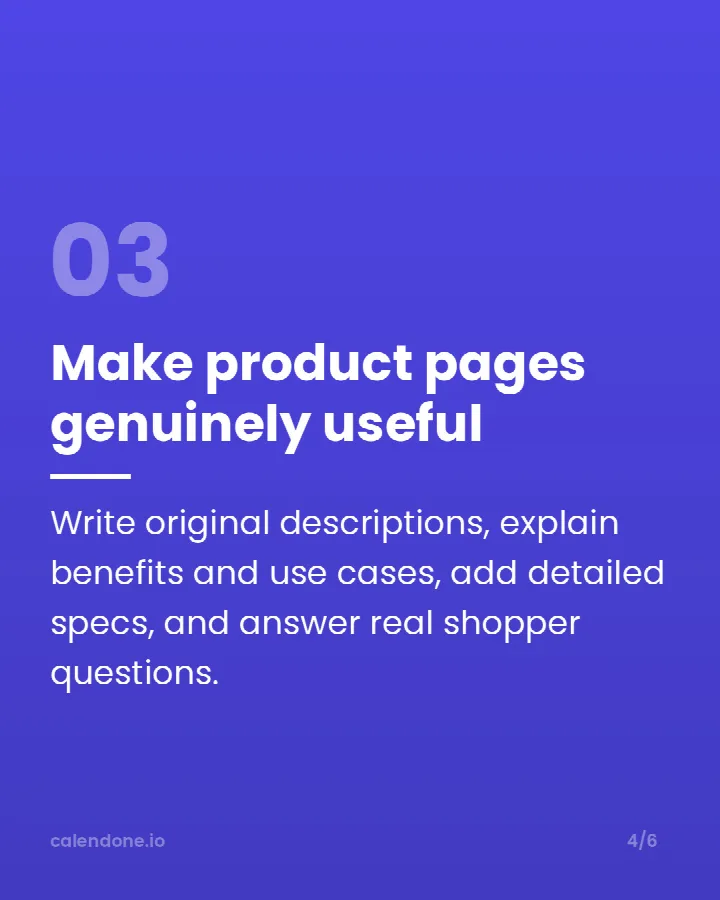
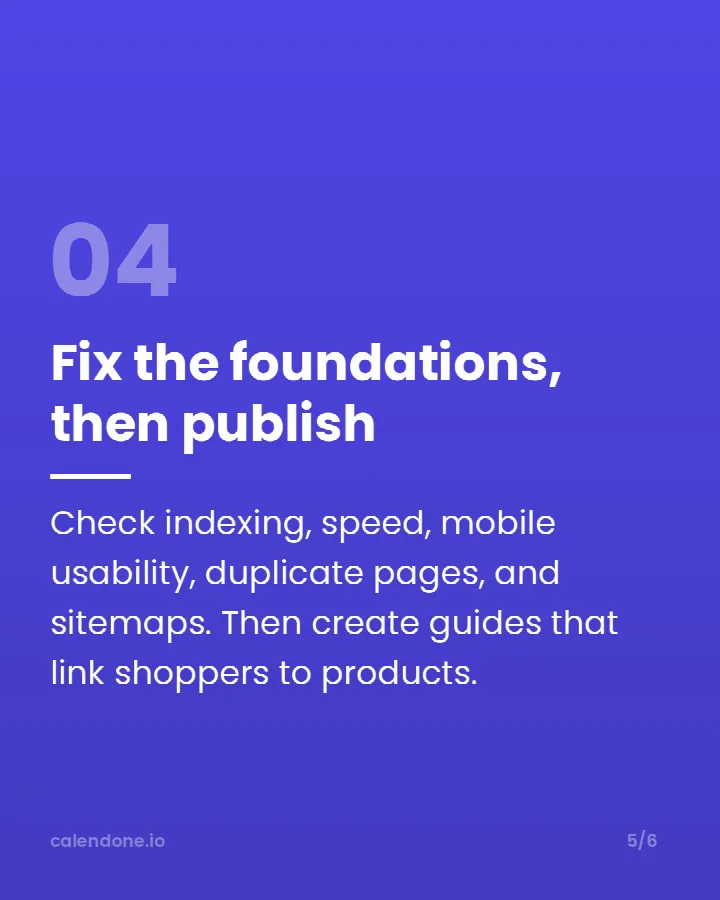
Cover: 4 steps to improve your ecommerce SEO Slide 01: Start with high-impact keywords Slide 02: Strengthen category pages Slide 03: Make product pages genuinely useful Slide 04: Fix the foundations, then publish Read the full guide, link in bio
1/6
calendone.io More traffic is not the only goal of ecommerce SEO. more

More traffic is not the only goal of ecommerce SEO. Start with keywords that show buying intent or already rank close to page one. Improve category pages so they answer questions and guide shoppers to relevant products. Make product pages unique, detailed, and useful rather than copying manufacturer descriptions. Check technical basics before scaling guides and comparison content. Read the full article at the link in bio.

#ecommerceSEO #SEOstrategy #onlinestore #smallbusinessSEO #keywordresearch #technicalSEO #contentmarketing #productpageSEO

A great article nobody sees is wasted work.

Your customers scroll Instagram every day. Sharing each article there brings it in front of them, but designing slides, writing captions and posting on time takes hours a week. Most small businesses post in bursts and then stop.

2.14×
more engagement for Instagram carousels than for single-image posts, across more than 4 million posts.
Buffer, October 2024
0.50%
average engagement rate for carousels, the highest of any Instagram format (images: 0.35%).
Socialinsider Instagram benchmarks, Q3 2026
51%
of U.S. adults say they use Instagram.
Pew Research Center, 2026

One article, three posts

Your article already has the content. Calendone turns it into posts.

Each takeaway in the article becomes a slide. This is real output from our own blog article, made by the same Calendone feature you get. We only resized the images.

Published article

A Step-by-Step Ecommerce SEO Strategy for Store Owners

  1. 01 How to identify high-impact ecommerce keywords
  2. 02 Optimizing category pages to capture broad searches
  3. 03 Crafting product pages that convert and rank
  4. 04 Technical SEO foundations for ecommerce sites
  5. 04 Content marketing: guides and comparisons that drive buyers

Badges show which carousel slide each section became.
  1. 1 Guide carousel

    Next posting day

    Cover: 4 steps to improve your ecommerce SEO Slide 01: Start with high-impact keywords Slide 02: Strengthen category pages Slide 03: Make product pages genuinely useful Slide 04: Fix the foundations, then publish Read the full guide, link in bio
  2. 2 Tip image

    About 10 days later

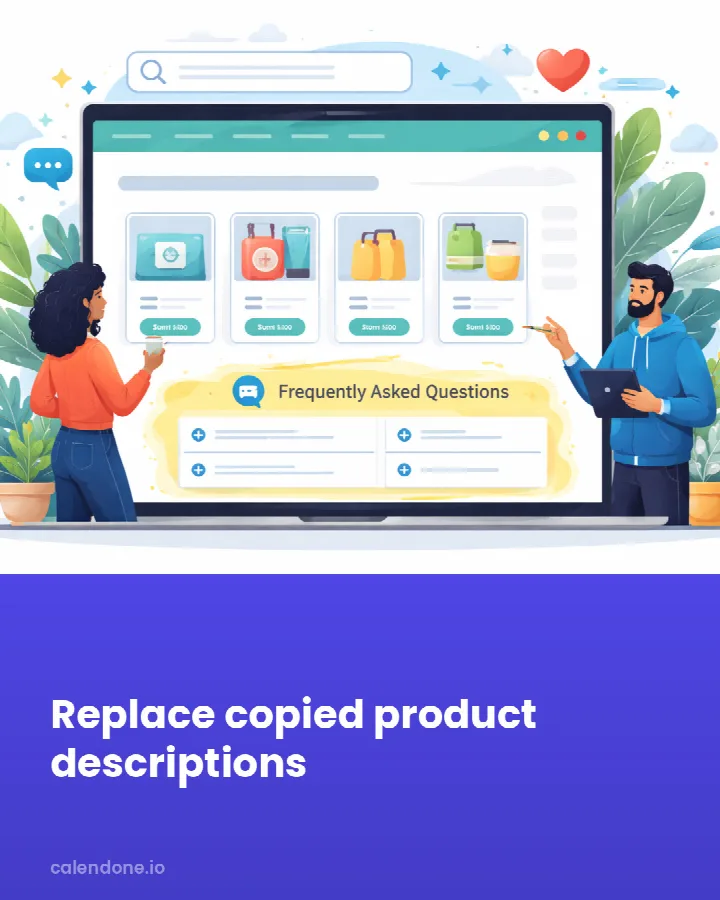
    Tip: Replace copied product descriptions
  3. 3 Mistakes carousel

    About 25 days later

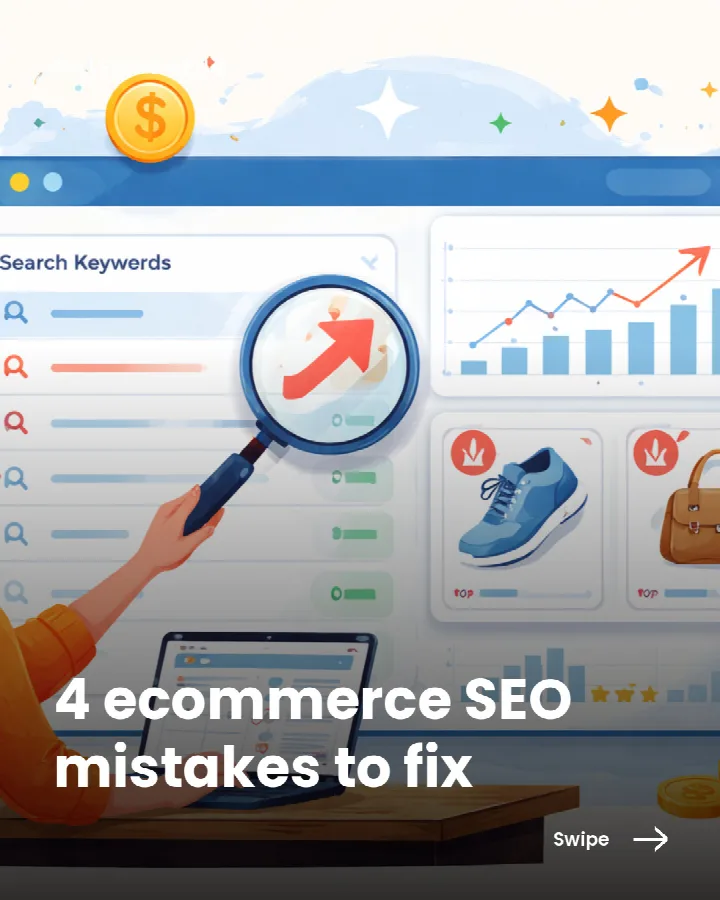
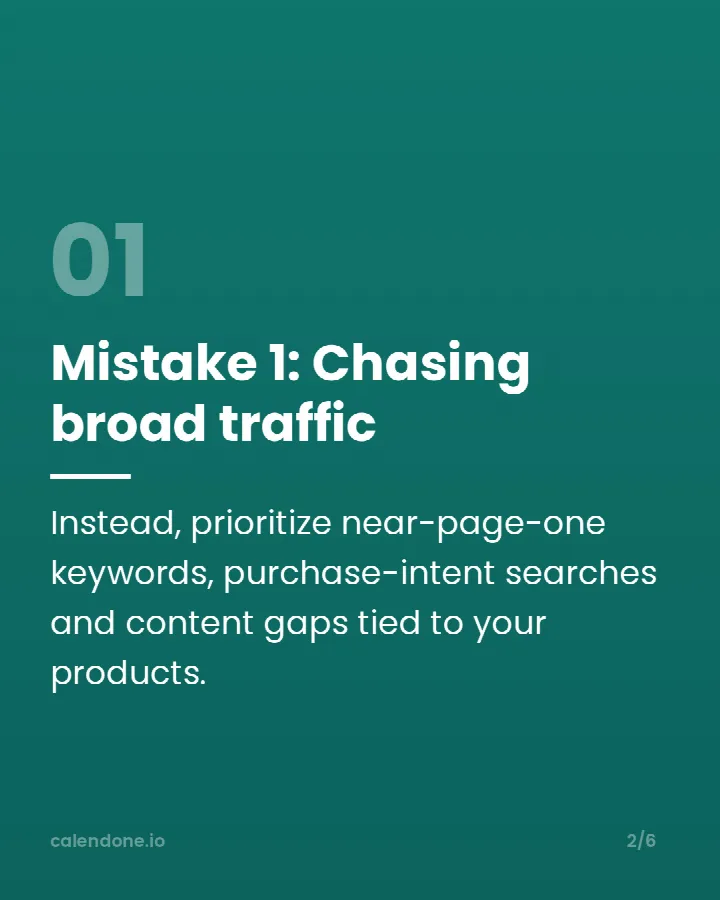
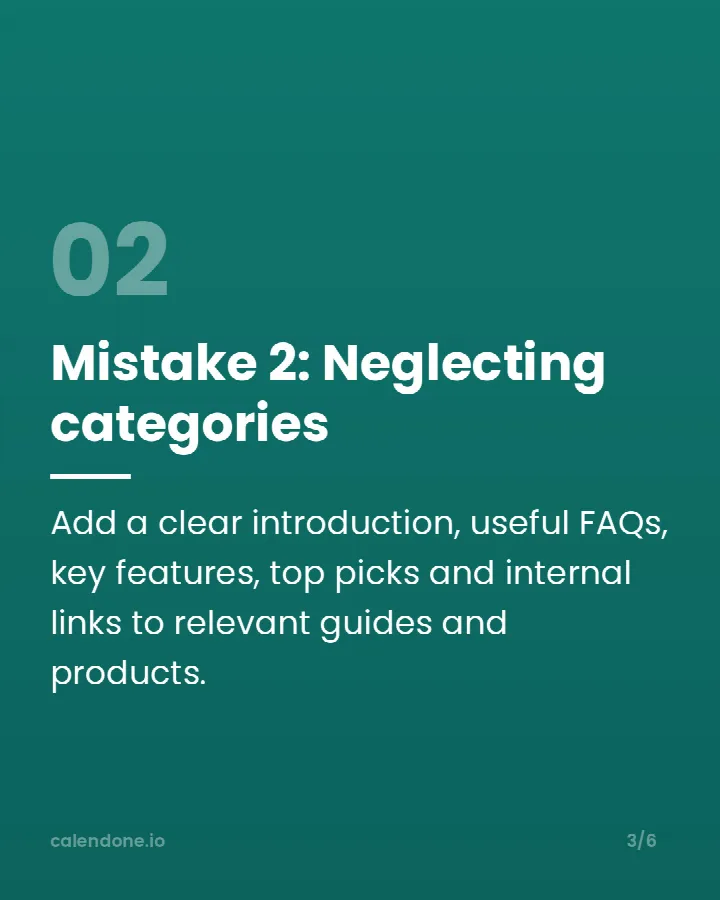
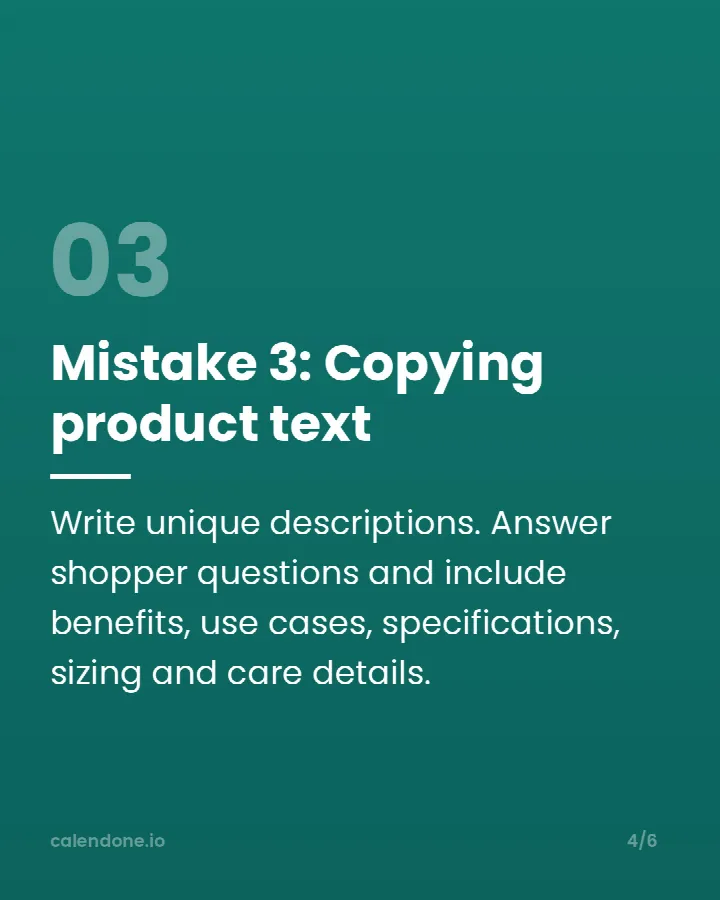
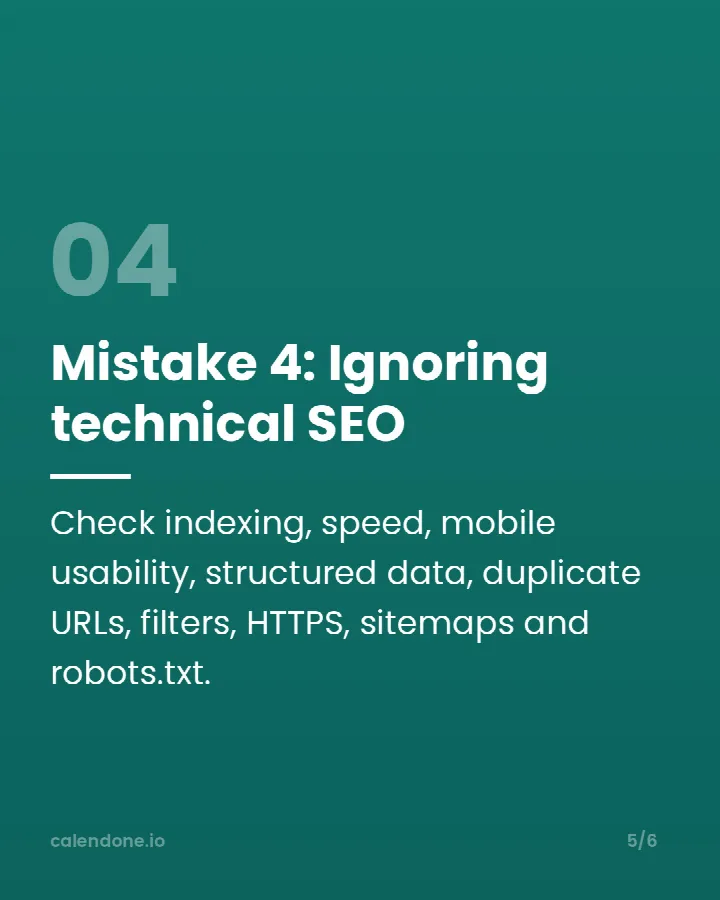
    Cover: 4 ecommerce SEO mistakes to fix Mistake 1: Chasing broad traffic Mistake 2: Neglecting categories Mistake 3: Copying product text Mistake 4: Ignoring technical SEO Read the full guide, link in bio

You stay in charge

Nothing goes out until you say so.

Every post waits for your OK. Edit the caption, change the time, or regenerate it with your own guidance. Once you trust it, switch on automatic posting.

Posting mode

Posts wait for you. Approve, edit or skip each one.

Try it: this is an example, nothing is posted.

Waiting for you Mon 10:00 · Carousel · 6 slides

From: A Step-by-Step Ecommerce SEO Strategy for Store Owners

One calendar

Articles and posts, planned together.

Your Instagram and Facebook posts sit in the same content calendar as your articles. Pick how often and when; Calendone fills the days, one post a day at most.

Posts a week
Mon
Tue
Wed
Thu
Fri
Sat
Sun

1

10:00 Instagram

2

📝 New article

10:00 Instagram

3

10:00 Instagram

4

10:00 Instagram

5

10:00 Instagram

6

7

8

10:00 Instagram

9

10:00 Instagram

10

📝 New article

10:00 Instagram

11

10:00 Instagram

12

10:00 Instagram

13

14

ArticleInstagram postExample two weeks.

Written from your article

Captions that say something.

Generic caption tools write filler. Calendone writes from your article’s own advice, in its language and your brand voice, with hashtags that fit the topic.

A typical generic caption

🚀 Boost your SEO today! 💯 Check out our latest blog post for amazing tips that will take your business to the next level! 👉 Link in bio! #SEO #marketing #business #success #entrepreneur #growth #motivation

  • ✕ Could be about anything
  • ✕ Hashtags nobody searches for this topic
  • ✕ No reason to read the article
Calendone, from the article

More traffic is not the only goal of ecommerce SEO. Start with keywords that show buying intent or already rank close to page one. Improve category pages so they answer questions and guide shoppers to relevant products. Make product pages unique, detailed, and useful rather than copying manufacturer descriptions. Check technical basics before scaling guides and comparison content. Read the full article at the link in bio.

#ecommerceSEO #SEOstrategy #onlinestore #smallbusinessSEO #keywordresearch #technicalSEO #contentmarketing #productpageSEO

  • ✓ Four concrete tips from the article
  • ✓ Hashtags about ecommerce SEO
  • ✓ Points to the full guide in your bio

Set up once

  1. 1

    Connect Instagram and Facebook

    Log in once per network. Instagram needs a free Business or Creator account; Facebook posts go to a Page you manage.

  2. 2

    Pick days, time and colour

    3, 5 or 7 posts a week, your posting time, your slide colour and default hashtags.

  3. 3

    Approve, or let it run

    Posts appear as your articles are approved. Approve each one, or switch on automatic posting.

Networks: Instagram · live Facebook · live LinkedIn · plannedPinterest · planned

A few things to know

Questions, answered.

Which social networks does it post to?

Instagram and a Facebook Page today. Each network gets its own captions: hashtags and “link in bio” on Instagram, a clickable article link on Facebook. LinkedIn and Pinterest are planned next.

Do I need a business account?

For Instagram, yes: Instagram only lets apps post to Business or Creator accounts. Switching is free in the Instagram app (Settings → Account type and tools). For Facebook, Calendone posts to a Facebook Page you manage, not to a personal profile.

Does anything get posted without my OK?

Not by default. Every post waits for your approval. If you switch on automatic posting, posts go out on schedule, and you can still edit or skip any of them before then.

Where do the posts come from?

From your articles: the slides, caption and hashtags are written from the article’s own content, and the images come from the article. Calendone doesn’t invent facts or prices. You can also create a post from any article and add your own guidance, like “focus on the cheapest ideas”.

How often does it post?

You choose 3 posts a week (Monday, Wednesday, Friday), 5 (weekdays) or every day, and the time of day. One post goes out per day at most.

Can I choose which articles get posts?

Calendone plans posts from your approved articles on its own, newest first. You can also create a post from any article yourself, add guidance, and skip any planned post you don’t want.

Can I edit a post?

Yes. Change the caption and the posting time, regenerate the post, or skip it. Failed posts show the reason and can be retried.

Are links clickable?

On Facebook, yes: the article link goes under the caption. Instagram doesn’t allow clickable links in captions, so Instagram posts point people to the link in your bio.

Keep Instagram and Facebook busy without the busywork.

Add your website, get your first article, and see the posts it turns into.

Save your website and check its pages. No website changes at this step.